Thursday, February 21, 2019

Independent Project Proposal

Today you will propose an independent project or series of projects for yourself.

The project must:

  • Use the entire class period for three classes
  • Use specific photographic and Photoshop tools and techniques
  • You must relate the project to an artist or art movement in some way


1.State the topic or title of your project
2.State the research you will conduct
3.Write a detailed description of how you envision the final project.
4.List the tools, techniques, and steps you will use to accomplish your goals for the project

Thursday, February 14, 2019

Work Day - Surrealist Composition

Today we will continue to create our Surrealist Composition.

Keep the following in mind as you work:

  • Do the Perspective in all of your images match up?
  • Are all of your images in sharp focus?
  • Are you making precise selections in Photoshop?
  • Are you comfortable working with layers in Photoshop?
  • How are you handling color choices? Black and White or Color?
  • Do the color intensity, brightness, contrast and hue of each of your images match?
Image result for surreal photography

Tuesday, February 12, 2019

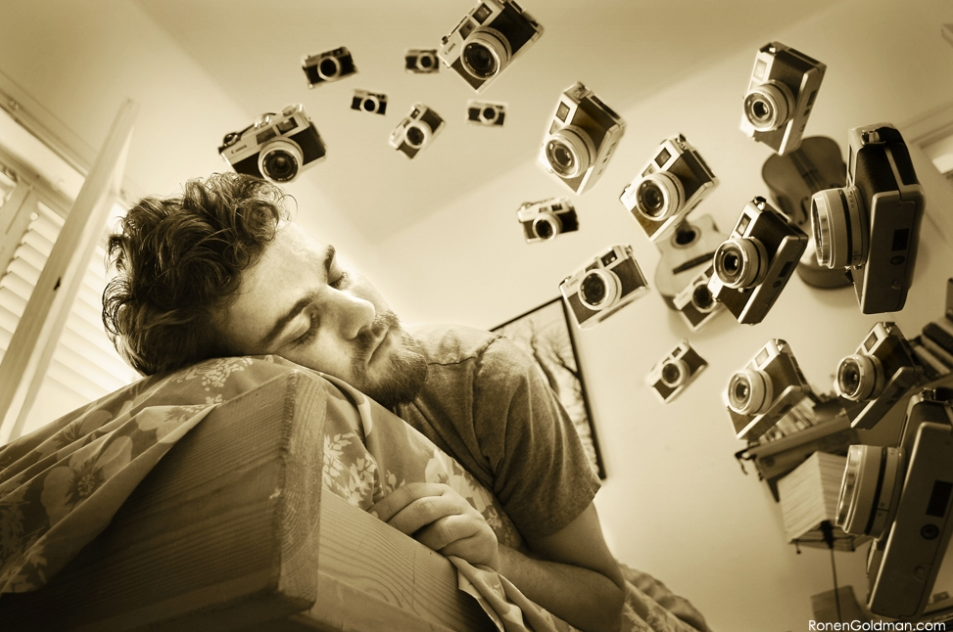
Create a Surreal Image in Photoshop Using Exaggerated Scale

What is Surrealism? Magical Realism?

For our purposes Surreal or magical realism describes an image where the elements are a natural part in an otherwise mundane, realistic environment. Although it is most commonly used as a literary genre, magic realism also applies to film and the visual arts.


Here is a link to a TED talk by Erik Johansson. Erik creates realistic photos of impossible situations.

Today we will begin creating a surreal image using Photoshop.

Using primarily images from around school plus a couple of others, (either from the web or field trip photos you have taken), create a magical realist composition using exaggerated scale. You may select, crop, and place the elements in the composition in any way that presents them in an incongruous, unusual or “super normal” manner.

Image result for surreal photography

Image result for surreal photography

Image result for surreal photography

Image result for surreal photography

Image result for surreal photography

Image result for surreal photography

Image result for surreal photography

Image result for surreal photography

Friday, February 8, 2019

Cubist Photography Project - Day 2

We will continue working on and complete our 2 Cubist Photographs today.

Make sure you have answered the questions about Cubism from the last blog post.

Then complete and upload:

1. Portrait
2. Landscape or object

Wednesday, February 6, 2019

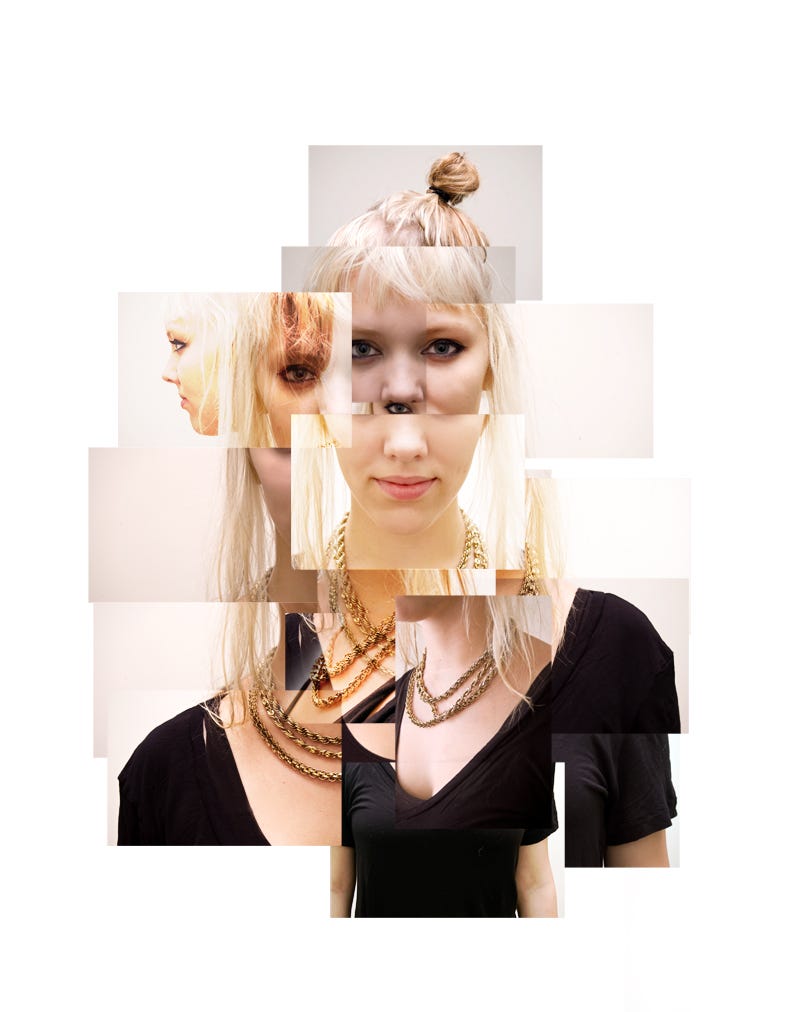
Cubist Photography Project

Today we will begin working on  a Cubist style photography.

You will show a subject from multiple planes and points of view in a single cubist style image

First - Conduct research - What are the primary characteristics of cubism? How did artist David Hockney combine Photography and Cubism?
https://www.theartstory.org/movement-cubism.htm

http://thedelightsofseeing.blogspot.com/2011/03/cubism-joiners-and-multiple-viewpoint.html


Second - Find Examples of Cubist portraiture, come up with ideas for creating your portrait. Add them to your blog post.

Third - Take pictures of your subject from a variety of perspectives. Also take pictures to make an interesting background.

Fourth - Create an 11x11 inch (or similar) 300 dpi file in photoshop

Fifth - Use Selection Tools, Transform Tools, Layers, and Filters to develop your portrait.

Sixth - Continue to refine your artwork, we will discuss your progress as you work.


Related image


Image result for cubist landscape, photography

Image result for cubist landscape, photography

Monday, February 4, 2019

Clouds, Contrast, and Saturation

Today we will go out and take pictures of clouds. next we will edit them to greatly increase the contrast using the Levels adjustment layer.

We will fist increase the contrast in a De-saturated image, and do the same for an image that we increased the saturation.

3Rmeydp

Related image

Artwork Tags

Use this link to create your tags: https://docs.google.com/ document/d/ 1Z67JF3fNEytyh2DoUf_ 0r2cZpVTHko7nT14HRvaICs0