Tuesday, April 30, 2019

Begin Final Portfolio

Today we will begin work on our Final Portfolio. We will also be working on a few more projects and we can add additional Photos when they are completed.

Here is a good example of the project
http://katelynbphoto2.blogspot.com/


Make sure that all of the pictures have been DESATURATED - Converted to Black and White.


In the first section you will post your 15 strongest images from the semester and provide a brief critique of each including 1 very strong element and 1 element you could improve upon. NOTE- Pick something from the Critique Guide.

In the second part you will provide an assessment of your portfolio and your work ethic.


Overall Portfolio-Semester work

Please answer the following questions about your overall work this semester  using the 1-4 scale: 

1=Not at all, 2=Somewhat, 3=Mostly, 4=Absolutely

I completed my assignments on time 1 2 3 4

I fulfilled all assignments 1 2 3 4

Made good use of class time 1 2 3 4

Used a creative approach 1 2 3 4

My pictures unique and original 1 2 3 4

My craftsmanship is excellent 1 2 3 4

My images are sharp and focused 1 2 3 4

My images are well composed 1 2 3 4

My images have good contrast and exposure 1 2 3 4

My photography sets a mood 1 2 3 4

Friday, April 26, 2019

Upload day - Projects and Progress

Today we will check our progress and make sure all recent work is uploaded including:

1.Independent Projects
2.Photoshop text effects
3.Shadows
4.Flower Compositions
5.Double Exposure

Wednesday, April 24, 2019

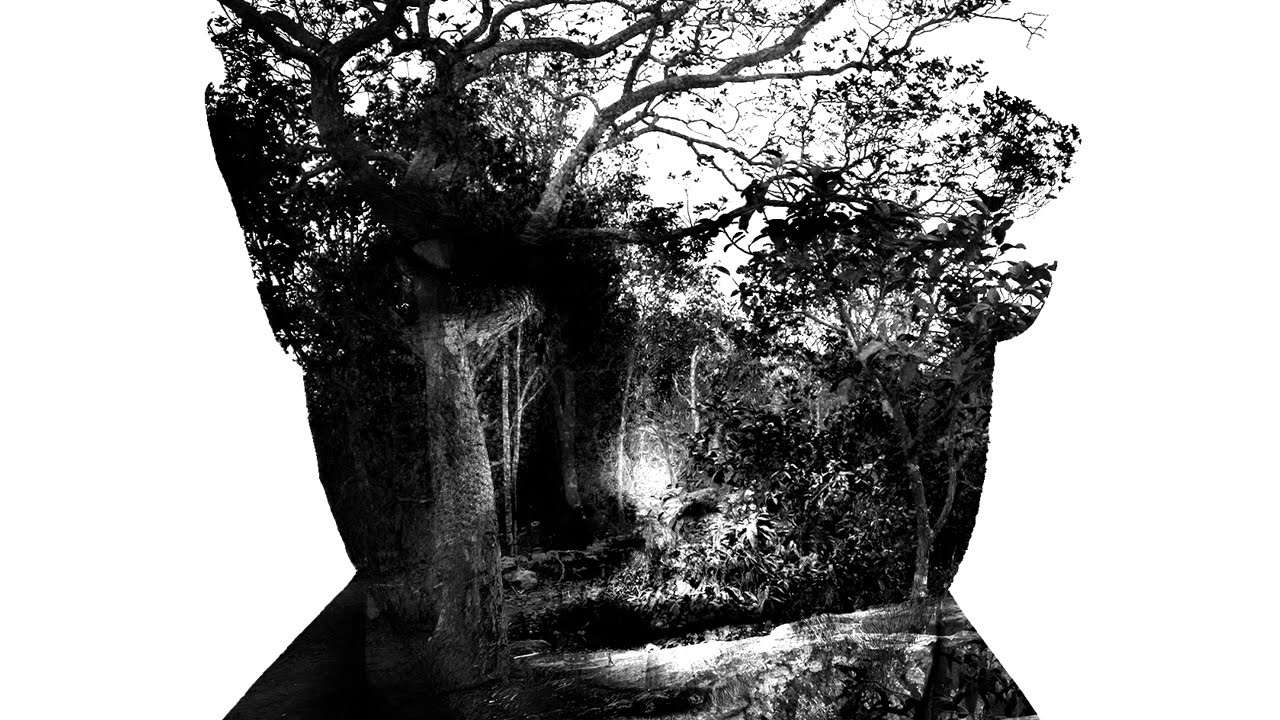
Create a Double Exposure in Photoshop

Take a photograph of yourself or a classmate or a friend a create a Double Exposure in Photoshop. You can use a photo from the web as the inner part of the picture.

Image result for double exposure in photoshop cc


Here is a tutorial to follow, or you can find one on the web. There are slightly different ways to create this effect, but the end result is the same.


Friday, April 12, 2019

Shadows and Flowers studies

Today we will edit the shadows and flower pictures we took last class.

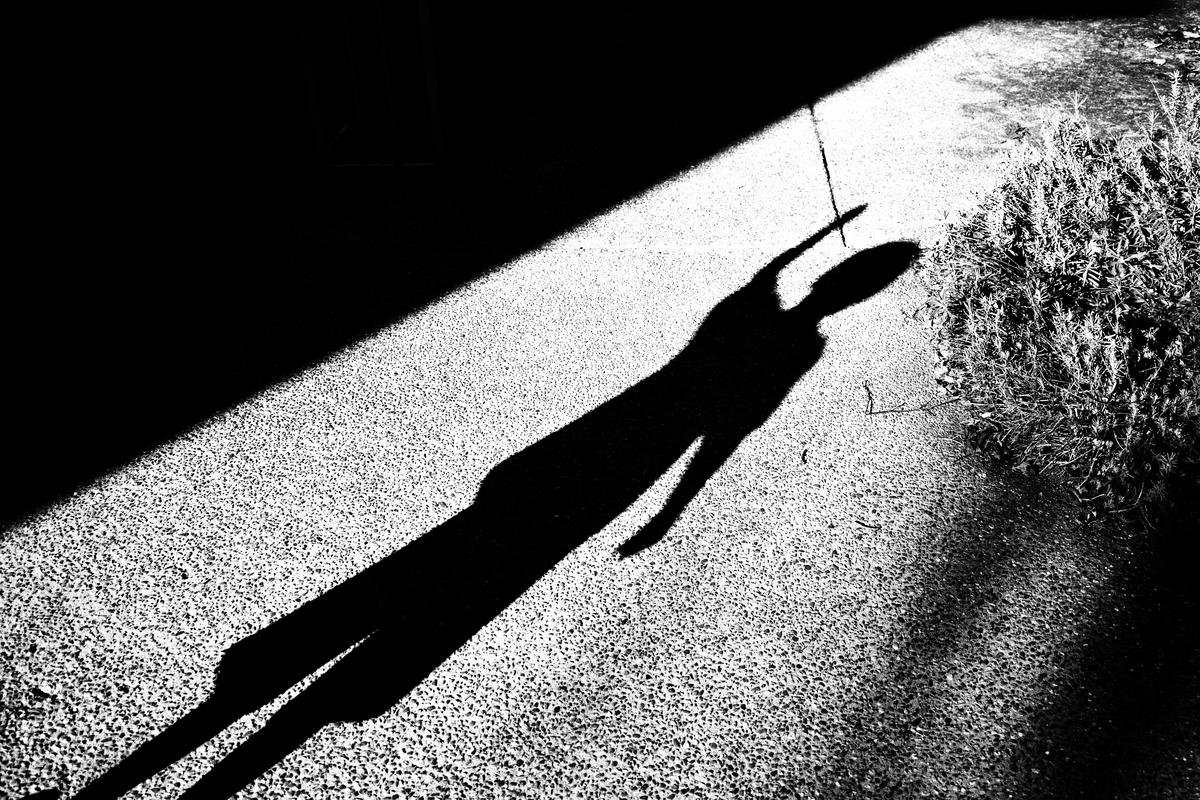
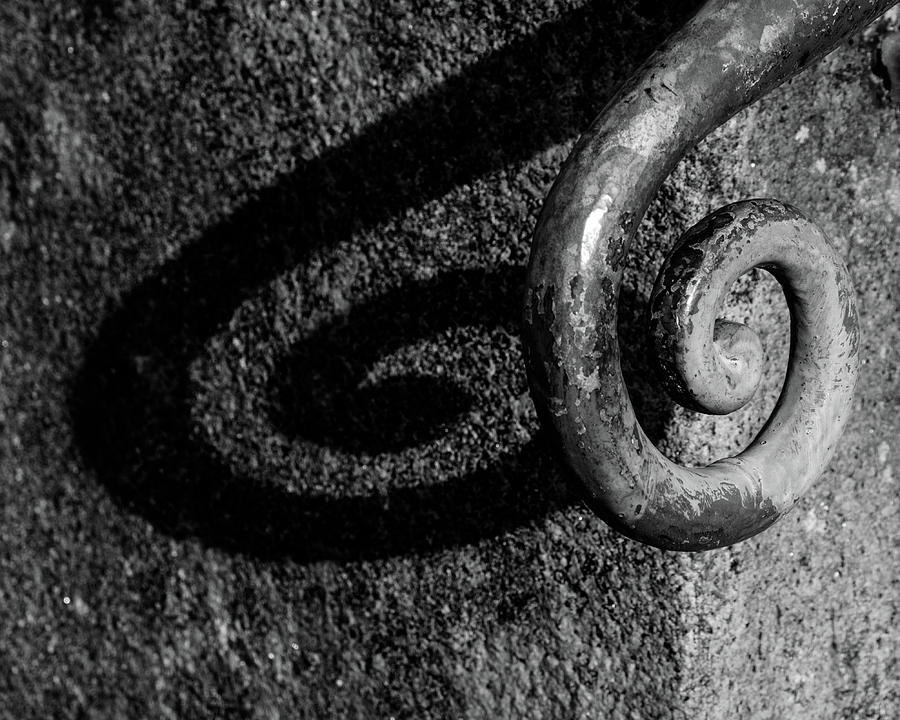
Make the shadows high contrast Black and White and next I will give a Photoshop demo of interesting ideas for the flowers.

Image result for shadow bw photography

Related image

Image result for shadow bw photography


Artwork Tags

Use this link to create your tags: https://docs.google.com/ document/d/ 1Z67JF3fNEytyh2DoUf_ 0r2cZpVTHko7nT14HRvaICs0