Today we will check our progress and make sure all recent work is uploaded including:
1.Independent Projects
2.Photoshop text effects
3.Shadows
4.Flower Compositions
5.Double Exposure
Friday, April 26, 2019

Wednesday, April 24, 2019
Create a Double Exposure in Photoshop
Take a photograph of yourself or a classmate or a friend a create a Double Exposure in Photoshop. You can use a photo from the web as the inner part of the picture.
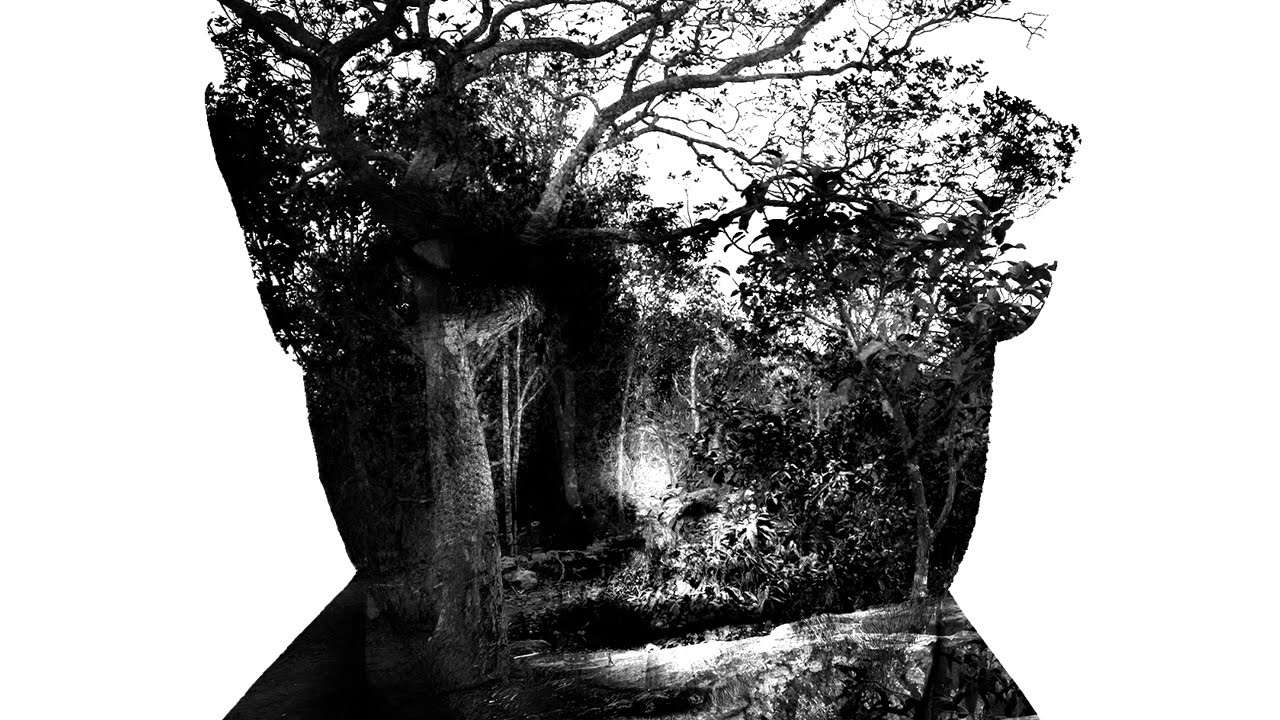
Here is a tutorial to follow, or you can find one on the web. There are slightly different ways to create this effect, but the end result is the same.
Here is a tutorial to follow, or you can find one on the web. There are slightly different ways to create this effect, but the end result is the same.
Friday, April 12, 2019
Shadows and Flowers studies
Today we will edit the shadows and flower pictures we took last class.
Make the shadows high contrast Black and White and next I will give a Photoshop demo of interesting ideas for the flowers.

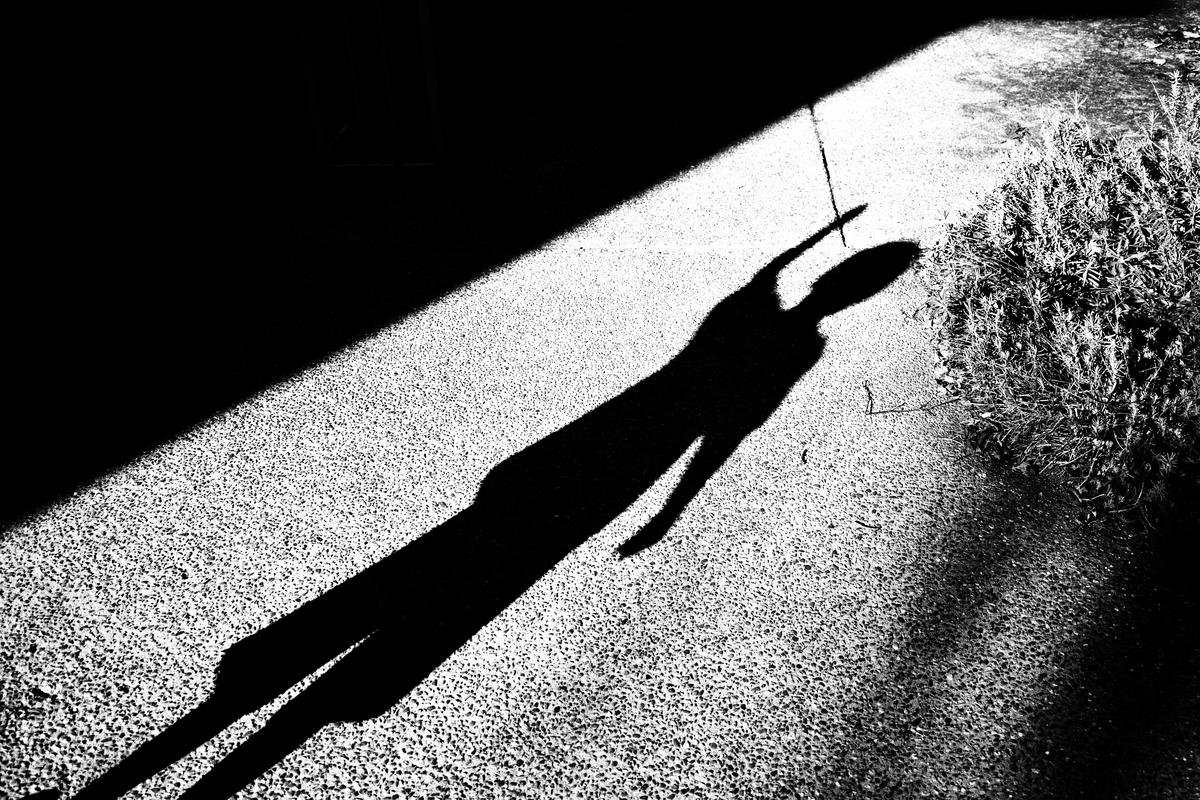



Make the shadows high contrast Black and White and next I will give a Photoshop demo of interesting ideas for the flowers.


Thursday, March 21, 2019
Film and Independent Project Day - Blog Post due TODAY
We will continue our rotation between students developing film and the rest of the class working on individual projects.
All students working on independent projects must post their progress today.
All students working on independent projects must post their progress today.
Tuesday, March 19, 2019
Independent Project and Film Group 2
Today the second group will begin the film unit, while the rest will work on your chosen project.
If you don not have something to work on, then do the Photoshop text Effects project in the previous blog post.
If you don not have something to work on, then do the Photoshop text Effects project in the previous blog post.
Photoshop Text Effects
Today we'll have some fun with Text. First, I'll show you how to add images in text, it will end up looking something like this:

Save both pictures as jpeg files and post them to your blog titled "Photoshop Text Effects"
You can find the tutorial at this link:
Next, pick a text effect from the link below and follow the instructions to create one of your own.
Monday, March 4, 2019
Photoshop Today
We have been having technical difficulties opening Photoshop.
We have changed over to a new system of logging in to Photoshop. I would like everybody to be able to log in and successfully work in the program.
I will describe the correct process to open Photoshop and then we'll work on our projects for the rest of class.
We have changed over to a new system of logging in to Photoshop. I would like everybody to be able to log in and successfully work in the program.
I will describe the correct process to open Photoshop and then we'll work on our projects for the rest of class.
Subscribe to:
Posts (Atom)
-
Today we will check our progress and make sure all recent work is uploaded including: 1.Independent Projects 2.Photoshop text effects 3.S...
-
We have been having technical difficulties opening Photoshop. We have changed over to a new system of logging in to Photoshop. I would like...
-
Today we will experiment with water drop photography. You will need to use your technical skills plus hope for a little (or a lot) bit of l...
